











From the box to the board.
One week of Orli Schools, scene by scene: children make an Orli of their own, you lead short sessions from your laptop, and the story plays out on the class board.
Monday. The box arrives.
Start with a free creator kit for five pupils. You just cover postage and packaging.
You can sign up and start straight away. Children make their Orlis when the box arrives.
Open it together.
Inside: balloons, lentil filling, googly eyes, gems and pipe cleaners for making Orlis, and a teacher guide. The kit includes one printed scrapbook, and you can print more from Resources in Orli Schools. The filling is dried lentils. Lentils are a legume, like peas, chickpeas and peanuts. If anyone in your group has a food allergy, check what is safe for them before you open the bag.

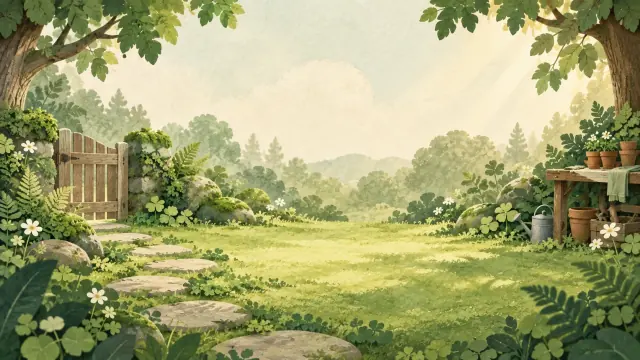 Welcome to Orla’s Garden
 Hello, I’m Orla. Welcome to Orla’s Garden.I like growing things, sketching and noticing the garden.
Orla’s GardenAdventure 1
04:10
Pupil screen
- Meet Orla
- Our own Orlis
- Making guide
- Make and name
- Our garden ideas
- Say hello
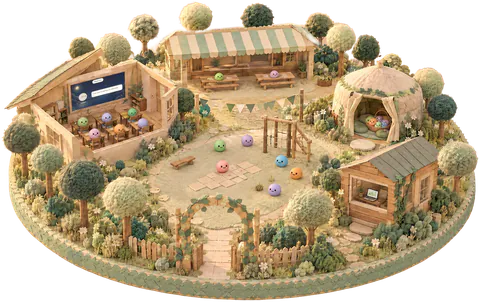
- A place for our Orlis
- Breathe with Orla
- Complete
Welcome to Orla’s Garden
Hello, I’m Orla. Welcome to Orla’s Garden.I like growing things, sketching and noticing the garden.
Reveal Orla’s lines one at a time. Pause after each so the class can take it in.
Tuesday. Your first session.
Your first session is Orla Adventure 1. Once you’ve run it with your class, the other Adventures and Bites open up.
A short tour shows you round the first time you sign in.
The story goes on the class board.
Children see the story. Your script, timer and private notes stay on your laptop.
All you need is a laptop.
Connect it to the class board or projector. Orli runs in a web browser, with nothing to install, and children don’t need devices for sessions.
A guide at every step.
Short teaching prompts sit beside your script at every step. Names and attendance never go on the board.
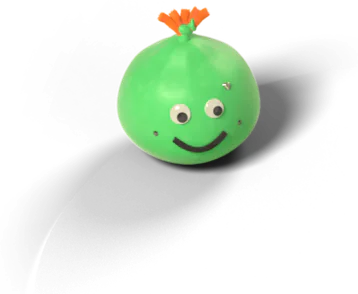
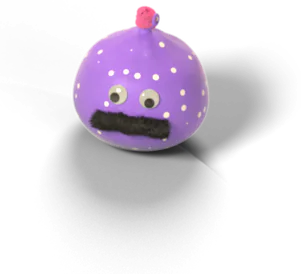





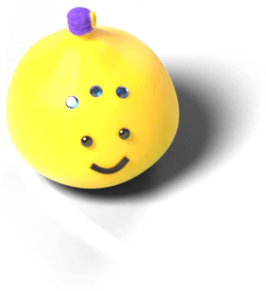
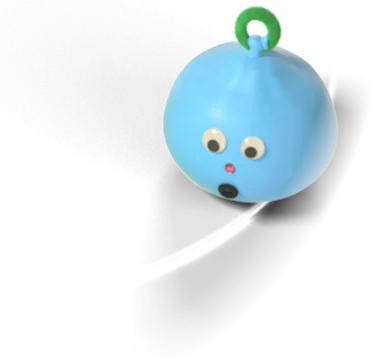

Everyone makes an Orli.
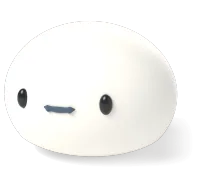
In Orla Adventure 1, pupils meet Orla, then make and name an Orli of their own.
Adults prepare and seal balloons and filling.
Every one is different.
Eyes, a smile, a gem or two. No two Orlis are the same, because no two children are.
Theirs to keep close.
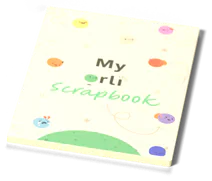
Pupils bring their Orli to every session, and each has a scrapbook to draw and write in.
 Orla
 Finn
 Rory
 Luna
 Nova
 Zeke
 Sasha
Enter the Orliverse
Go to orlischools.

 Settings?Help
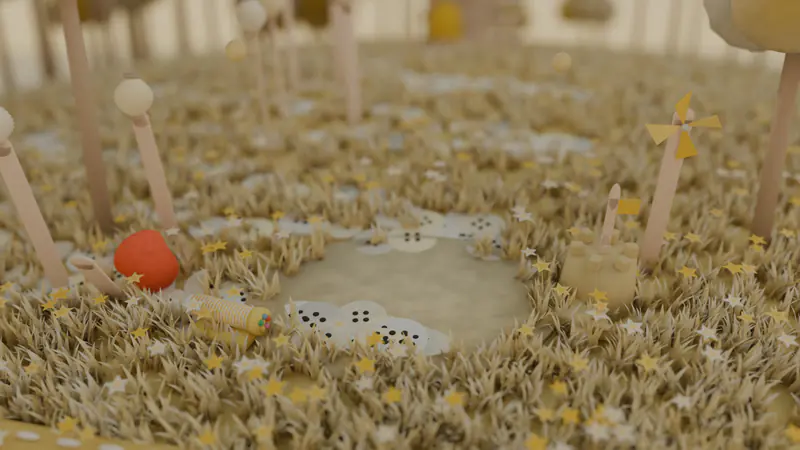



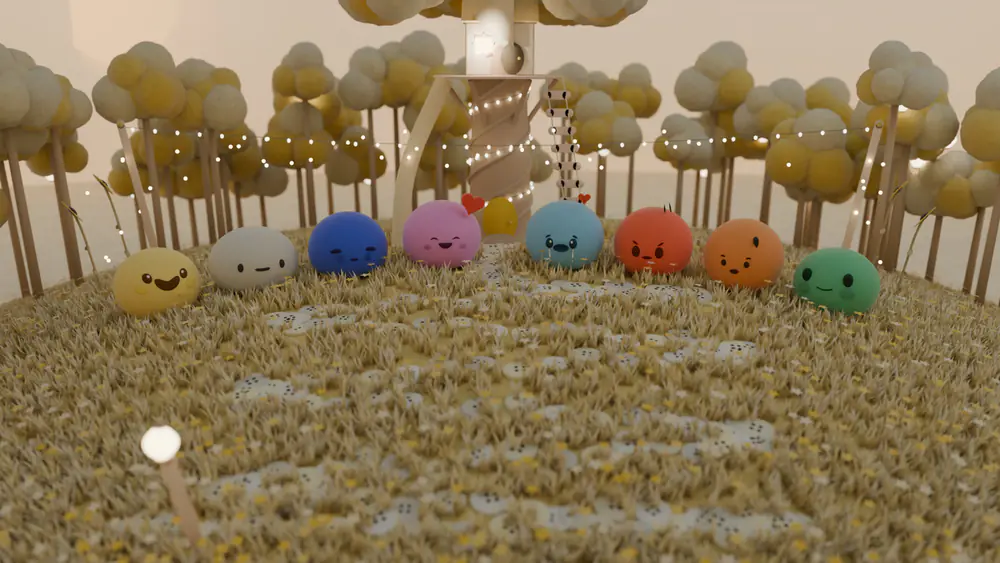


Your Orli lives in the treehouse at the top. Friends are waiting along the way. Follow the glowing trail to meet Joy.
ListenLet's go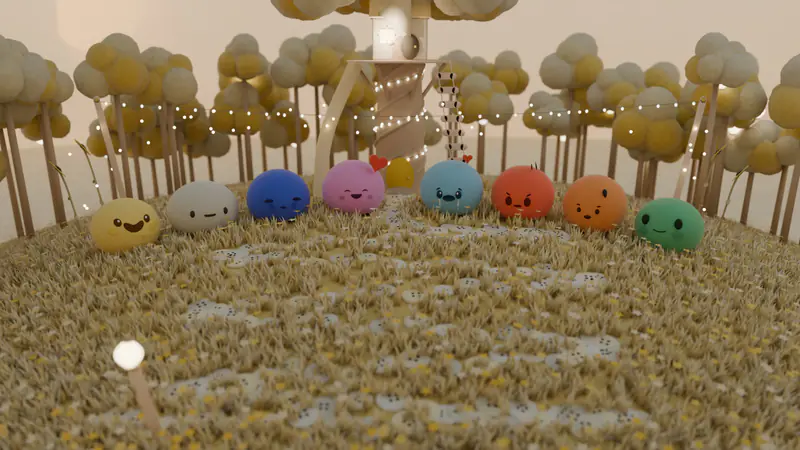 See you next time
Your visit is saved. Pass the computer to the next person.
Your code12 letters and numbers, on your ticket
Let’s go
Orla’s GardenAdventure 2
44:45
Pupil screen
- Open the Orli Visit for Year 5 and print the code sheet. Open the Orli VisitManage the Orli Visit No visit open yet.Baseline visit open · 8 of 29 finished
- Show the link on the board. Each pupil types their own code from the sheet. Show the link on the boardHide the link Open the visit first, so pupils’ codes work.
Wednesday. Set your starting point.
Orla Adventure 2 ends with an invitation to the Orliverse: an optional baseline survey, where each pupil tells the Orlis how school feels.
You can also start it from your class page, whenever it suits you. In Orli Schools, it’s called the Orli Visit.
A code, never a name.
Open the visit on your laptop and print the code sheet. Show the link on the board, and each pupil types their own code on a computer, taking turns if you need to. There are no pupil log-ins.
Names stay on your printed sheet, and answers are kept under a code. Keep the sheet safe: it can’t be printed again. Read how we protect data.
Eight Orlis, two questions each.
Each pupil makes an Orli on screen, then the Orlis ask about school life, such as how often they feel safe or listened to by grown-ups. A Listen button reads each question aloud.
Pupils answer from Never to Always, or choose I’m not sure. There are no right or wrong answers. They can skip a question, take a break or press Help, which points them to a grown-up they trust and sends no message.
You see how many have finished.
Your laptop shows how many pupils have finished, never their answers. Keep the visit open another day for anyone who was away.
Later in the year, a repeat survey uses the same codes. Class results will follow in Orli Intelligence.
 Breathe with Orla
Hello, I’m Orla. Would you like a little breathing pause with me?You can hold your Orli, trace with a finger or simply watch.
Breathe in, if comfortableLet the shape rise. Normal breathing is fine.
Breathe out, if comfortableLet the shape fall. No need to match it.
A little pause, in your own way.
 OrlaCalm & grounded1 Bite
 NovaWorry & uncertainty4 Bites
 RoryStrong feelings4 Bites
 FinnReset & refocus3 Bites
 ZekeRest & low energy3 Bites
 LunaConnection & kindness2 Bites
Breathe with OrlaOrli Bite
03:28
- Ready together
- Breathe with Orla
- Notice together
- Bite complete
Model holding an Orli comfortably or tracing the rise and fall with a finger.

Thursday, after lunch. A five-minute Bite.
Orli Bites are short resets for the start of the day, after lunch or before a test. Each one takes about five minutes.
Orla says hello.
Pick a Bite on your laptop and it opens on the class board. Orla welcomes everyone, one line at a time.
Three ways to join in.
Activities offer ways to join in without talking, writing or moving, and children can always watch or pass.
Breathe with Orla.
Orla rises and settles, about four seconds in and four out, with no breath holding. Children follow if they’re comfortable, or simply watch. Normal breathing is always okay.
Bite complete.
The Bite ends with a small celebration on the board. If you stop early, it waits in Sessions for next time.

Notice together.
Orla asks one short question. You type the class’s ideas on your laptop and they appear on the board.
Reflect, their way.
Pupils reflect in their scrapbook by drawing or writing, so children who find words harder join in too. No prep, no worksheets: what they make is theirs.
Orli isn’t a new curriculum. It fits into the moments you already have: after lunch, transitions, nurture groups and 1:1 time.

 Intelligence
This weekThis term
Your school
 Tue
Wed
Thu
 Fri
Orla Adventure 1Tue · 29 present25 min
Orla Adventure 2Wed · 28 present20 min
Breathe with OrlaThu · 29 present5 min
Energy ShakeoutFri · 27 present5 min
Friday. Look back on the week.
When you set up a session, you add pupils by name and mark who’s here.
Orli Intelligence shows leaders the sessions completed, the children recorded present and the time spent.
Decide what comes next.
Use what you see to plan how you use Orli next.
Orli doesn’t diagnose or label children, and it doesn’t replace counselling, CAMHS or your safeguarding procedures.
Every Adventure, in five steps.
Each one runs the same way, so children always know what comes next.
Check in
“How is your Orli feeling today?” Nothing is saved or measured.
Story
An Orli meets a problem and shows one thing that helps, one line at a time.
Try it
Off screen: a breath, a stretch, a drawing or a chat. Children can join in, watch or pass.
Reflect
Short questions, one at a time, with the class’s ideas on the board.
Plan
One or two ideas to use later, then a small celebration.

Bring Orli into your school.
Try Orli free for eight weeks with a creator kit for five pupils, or bring Orli to your whole school. You just cover postage and packaging for the trial.